Over the past few years, my grandma’s hearing has gradually faded. Family gatherings, casual chats, and important doctor visits are becoming increasingly difficult for her to follow. To make matters worse, she’s quite stubborn about not wearing her hearing aid, insisting it feels uncomfortable or doesn’t work at all. Watching her miss jokes or meaningful moments is tough, especially since she’s always been the storyteller at the heart of our family’s conversations.
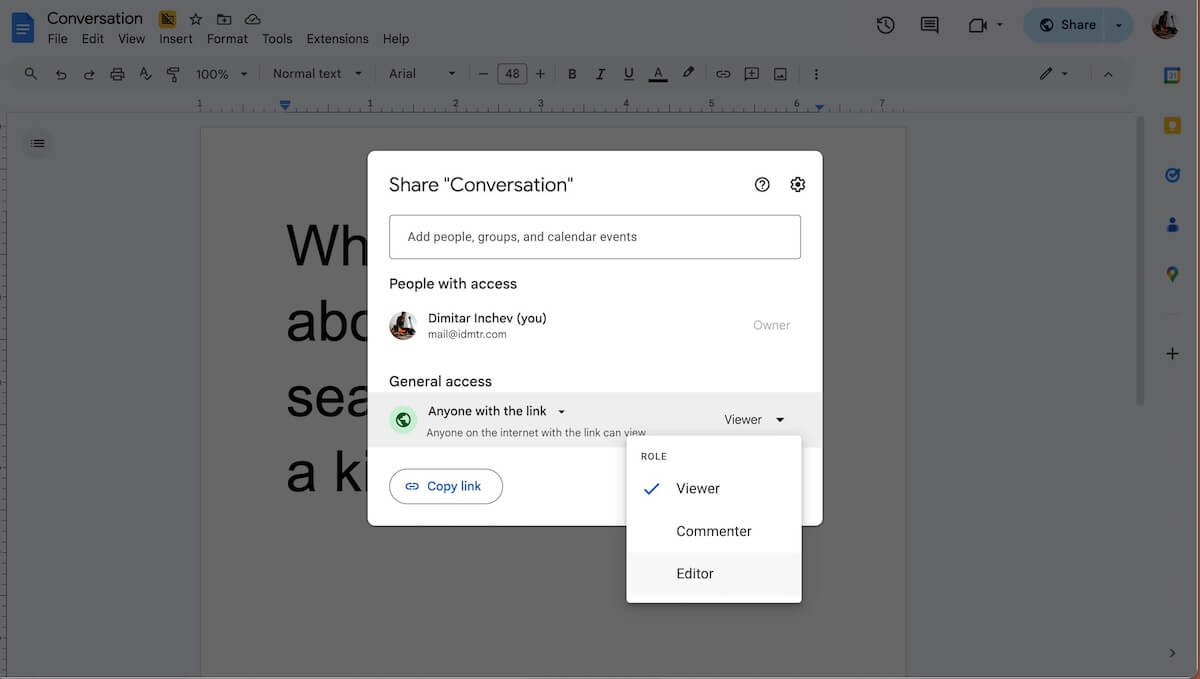
One weekend, almost by accident, testing a new cordless keyboard with an open Google Doc turned into a real‑time transcription tool for my grandma. This simple setup immediately changed the dynamic, bringing her back into conversations and enabling her to participate actively once again. It soon became part of our routine, I typed out what I was saying so she could read along and join the conversation.
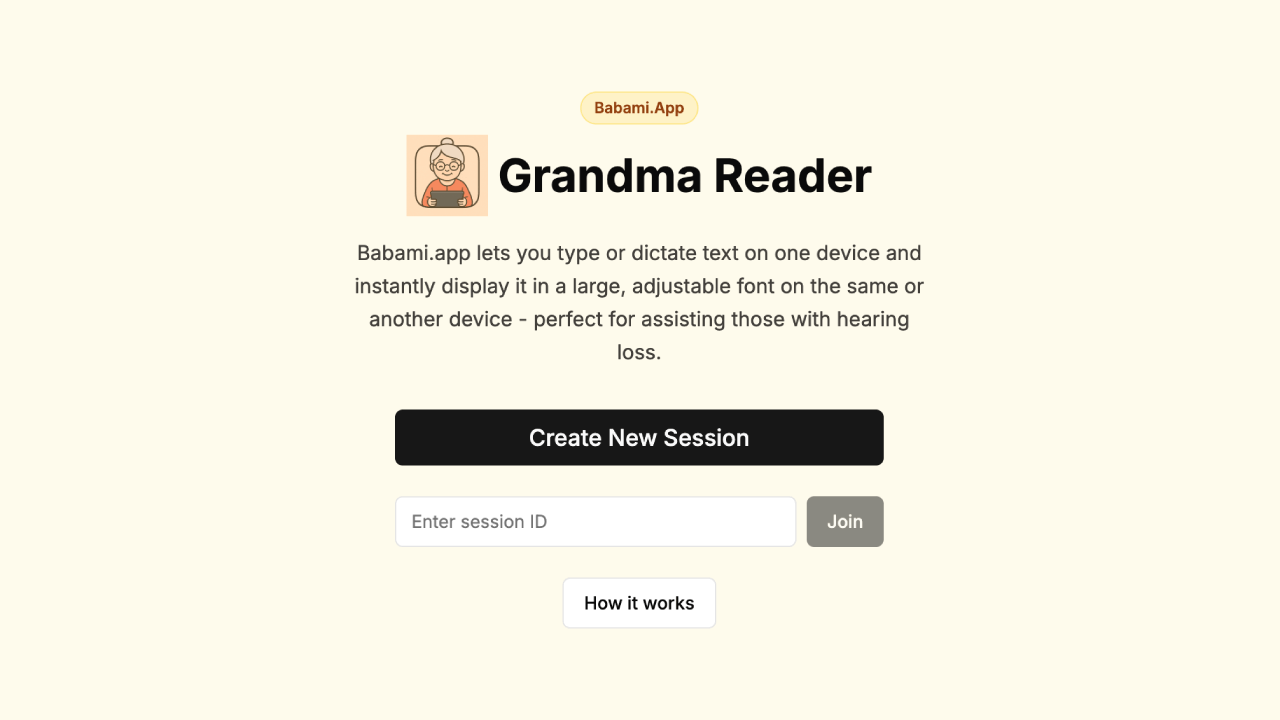
But Google Docs isn’t exactly made for such actvity. The fonts selection is tedious, the layout is not made for this type of interaction, and sharing screens between devices was a bit of a hassle. There had to be an easier, cleaner solution, something simple enough for anyone to set up and use, with large, clear text that can be read from a distance on different devices.
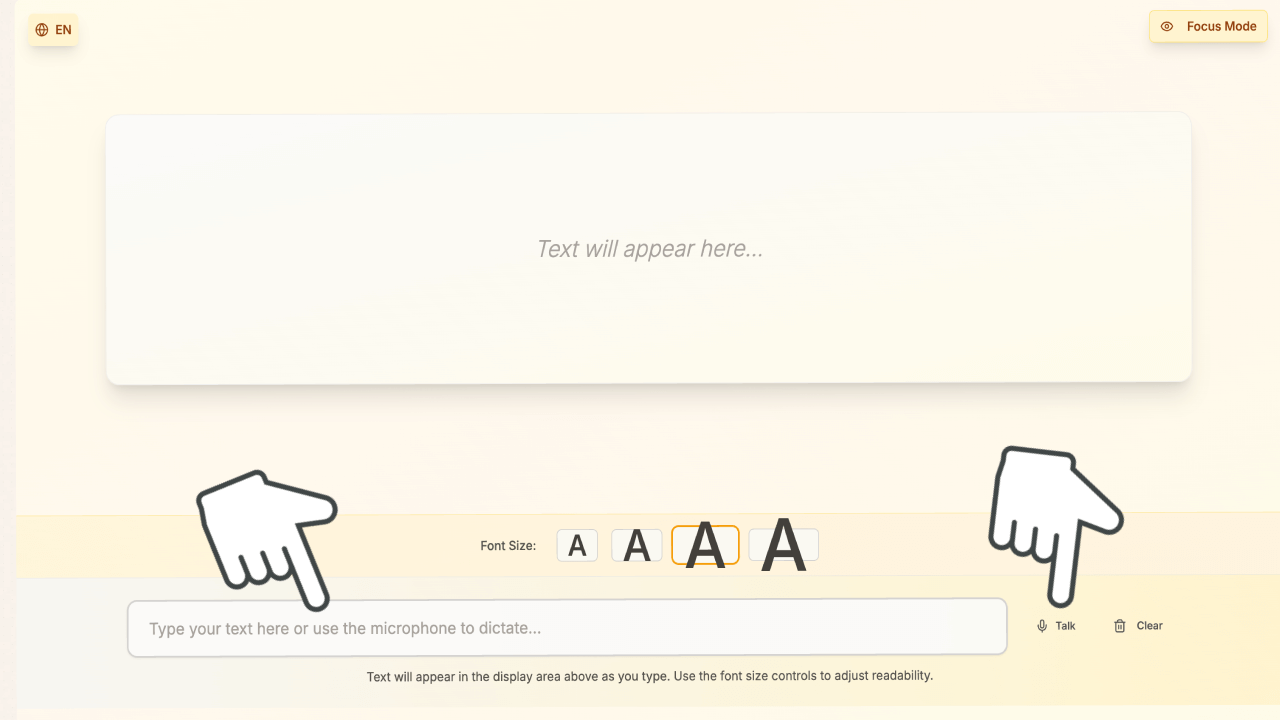
After a few months of similar use, and thinking of a better way to do it, the Babami.app came about, a weekend project of sorts for now. The idea is to take advantage of new browser capabilities like the Web Speech API and real-time syncing via web sockets. Imagine typing or speaking into your phone and seeing the words pop up instantly on the same screen or on a tablet or even the TV.
Today, Babami.app is open for testing, try it with friends or family who have hearing difficulties. If you know someone who struggles to follow conversations, Babami.app can help bring them back into the discussion.
Try Babami.app or contribute to its development project on GitHub. Let’s make conversations accessible for everyone.